AI rap video
generator
Turn your photos into a rap performance.
Hotel Lobby. Bulin 47. Burning Bridges.
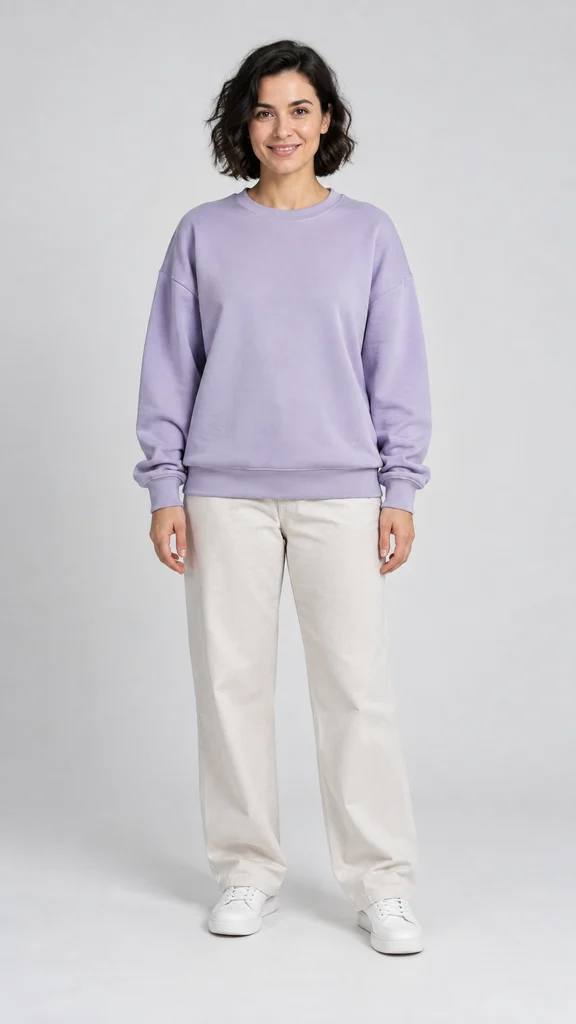 Lead portrait
Choose your rap trend.
Orange-stage duet. Street freestyle. Handheld party.
A specific trend, a matching video, its own page.
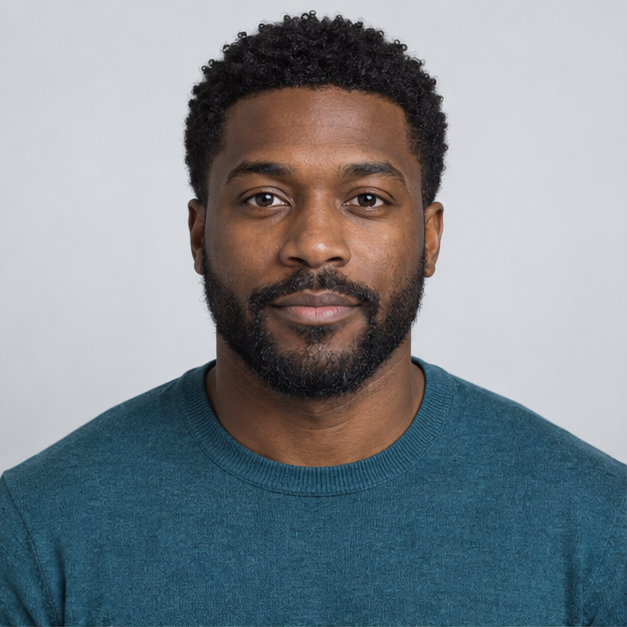 Photo 1 · Left
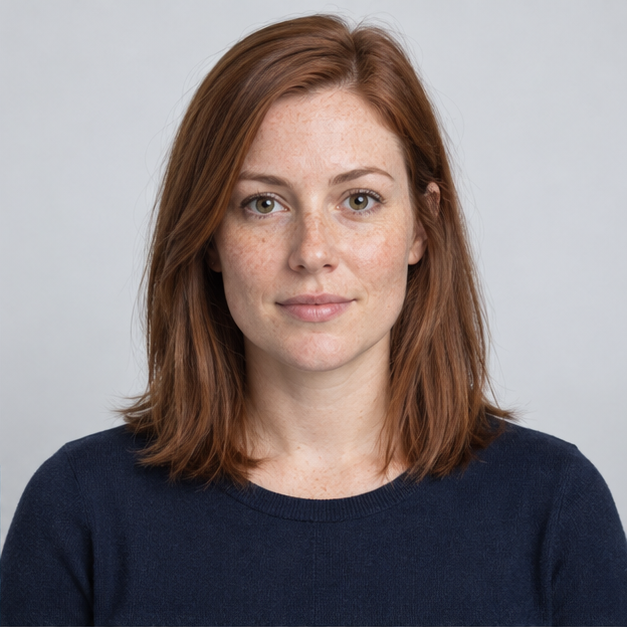 Photo 2 · Right
Hotel Lobby AI Video
Two published input portraits become the two performers in an orange-studio Hotel Lobby-style duet.
External input/output example
10.1s example · Orange studio · With audioView this rap videoLead portraitBulin 47 AI Video
One published portrait of a fictional adult in a lavender sweatshirt becomes the lead in a Bulin 47-style street freestyle beside the speaker and red-lit entrance.
External input/output example
15.1s example · Street freestyle · With audioView this rap video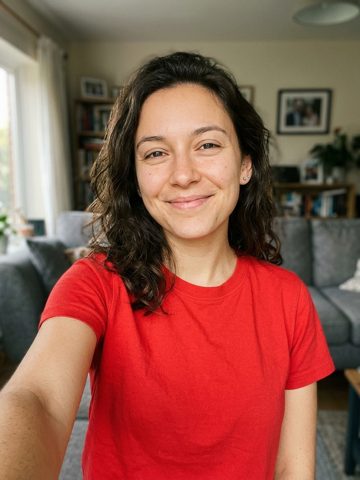 Lead portrait
Burning Bridges AI Video
A published selfie of a fictional adult in a red T-shirt becomes the foreground lead in the Burning Bridges party sequence. This paired example is silent.
External input/output example
20.0s example · Party motion trend · Silent exampleView this rap videoBring the faces.
We’ll set the scene.
- Pick your performance
Choose Hotel Lobby AI, Bulin 47 AI or Burning Bridges AI. Watch the matching example before selecting a trend.
- Add the right photos
One lead portrait for Bulin 47 or Burning Bridges, two for Hotel Lobby. Keep faces visible and check the template’s photo tips.
- Review the whole take
When live generation is available, check faces, gestures and sound before downloading or sharing.
A better first take.
Practical answers for the photos,
the performance and the sound.
How to Make a Hotel Lobby AI Video
Start with two clear subject photos, select a performance template and check the final result for identity, motion and sound before sharing.
Read the guideHotel Lobby AI with Two Separate Photos
Use one portrait per performer and assign each person to a fixed side. Separate references help keep two identities from merging.
Read the guideCreate a birthday rap shout-out
Use a personal dedication with a clear lead performer and birthday star. Keep names and exact messages in captions if the audio cannot reproduce them reliably.
Read the guideMake a playful couple rap video
Choose one portrait of each consenting adult partner and a small shared theme. Stable framing helps both people stay recognizable.
Read the guideMake an AI rap video with two pets
Use clear individual pet portraits with visible muzzles and distinctive markings. Pet mouth motion is stylized and should not be judged as human lip sync.
Read the guideMake a Rap Video with Your Pet
A human and a cat share a rap performance. Prepare one adult portrait and one pet reference, keeping their identities separate.
Read the guideMake a Cartoon Rap Duet
Use original illustrated characters, including a stylized animal partner, for a rap duet. Match their visual style and keep facial features readable.
Read the guideRap lip sync and audio: choose the right workflow
Photo animation, original rap generation and lip sync to your own track are separate tasks. Use an audio-driven model when exact timing to an existing vocal is the goal.
Read the guideMake a solo rap video from one photo
A solo rap clip needs one stable performer, a clear mouth and a short performance idea. It is a different workflow from replacing two people in a reference clip.
Read the guideMake a rap video with your own song
Use an audio-driven lip-sync workflow when your existing recording must control the mouth movement. A general photo-animation model cannot guarantee the same timing.
Read the guideMake a rap lyric video people can read
Plan a rap lyric video using your track and readable timed words. The example shows captions over an illustrated music video.
Read the guidePlan an AI rap music video with multiple shots
A full rap music video is a sequence of shots edited to a track. Break it into short scenes instead of expecting one photo-to-video request to make the whole film.
Read the guideMake a friendly rap roast video
A friendly rap roast works when both people recognize the joke and agree to the portrayal. Use a short shared anecdote instead of humiliating personal material.
Read the guidePlan a Rap Ad for Your Business
Build a business rap ad from a factual brief and owned assets. Review the message, captions and claims independently of the visual style.
Read the guideHow to Make a Bulin 47 AI Video
Prepare the right portrait and review the recognizable Bulin 47 AI format using its matching example. Live generation is disabled.
Read the guideHow to Make a Burning Bridges AI Video
Prepare the right portrait and review the recognizable Burning Bridges AI format using its matching example. Live generation is disabled.
Read the guideBefore the beat drops.
Which rap video trends can I explore?
Hotel Lobby AI is the orange-stage duet, Bulin 47 AI / Dame Hombro is the street freestyle with a speaker, and Burning Bridges AI is the handheld party sequence. Each has its own page and matching external example.
Do all trends need two photos?
No. Hotel Lobby uses two performer portraits. Bulin 47 and Burning Bridges prepare one foreground lead. Select the exact trend before choosing photos.
Can I use pets or original characters?
Pet Rap Video, Rap Video with Your Pet and Cartoon Rap Duet offer subject-specific preparation advice. They are variations or supporting workflows, rather than separate named trends.
Is it free?
Selecting templates and preparing photos locally has no charge. Live video generation and checkout require configured services and displayed prices. This local build creates no paid jobs.
Can I upload my own rap song?
The own-song workflow lets you select an original audio track locally. Live audio upload and exact lyric synchronization require a configured audio-driven model.
Does a video include rights to a popular song?
No. Use original or properly licensed music and obtain permission for the people and characters you show.
The mic is yours.
Choose your co-star